



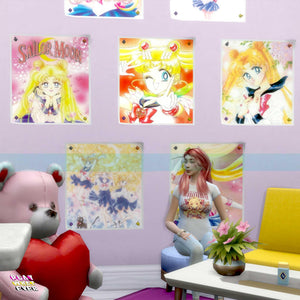
Sims 4 CC Sailor Moon Serena Usagi Poster Set V1
Sailor Moon fans, unleash your inner moon princess with the Sims 4 CC Sailor Moon Serena Usagi Poster Set V1! This enchanting wall decor set is the perfect way to bring your favorite heroine's magic...
Product details ↓Description
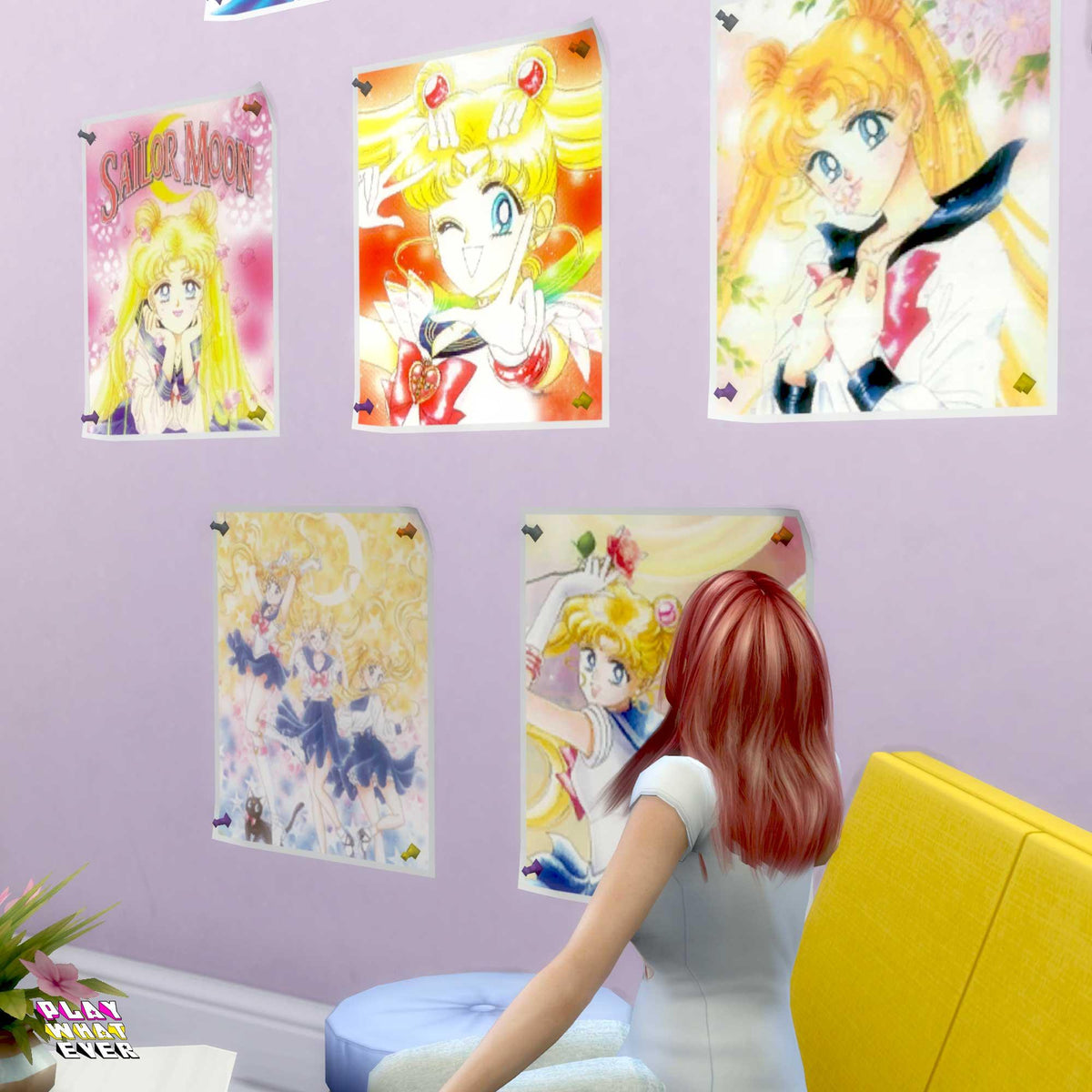
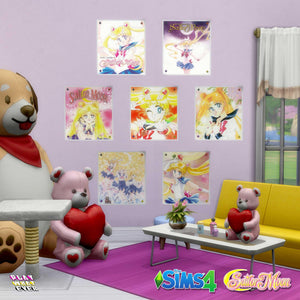
Sailor Moon fans, unleash your inner moon princess with the Sims 4 CC Sailor Moon Serena Usagi Poster Set V1! This enchanting wall decor set is the perfect way to bring your favorite heroine's magic into your Sims' home. Transform any room instantly with these captivating Serena portraits, inspired by the beloved Sailor Moon series.
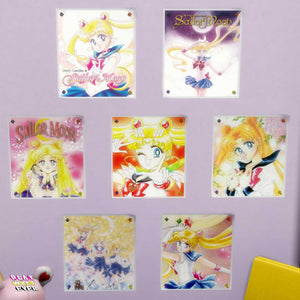
Each of the seven images showcases the beauty and bravery of Serena, and they are designed to capture her essence in stunning manga style. Your Sims will love the vibrant colors and gorgeous details that truly bring these posters to life. Plus, it’s compatible with the base game mesh, making it super easy to add to your game!
Product Features:
- Seven distinct pictures of Serena (Usagi) from Sailor Moon.
- Captivating manga art that brings Sailor Moon's charm to your Sims' walls.
- Base game mesh compatibility for hassle-free decoration.
With the Sims 4 CC Sailor Moon Serena Usagi Poster Set V1, your Sims’ space will radiate with the magical energy of the Moon Kingdom. 💫✨
Download Disclaimer
This Sims 4 custom content uses a base-game mesh; no additional mesh download is required. Check the product description for what is included.
Download: Add the item to your cart and complete checkout. An account is optional. A cart containing only free downloads needs no payment. Your download is available after checkout, and a download link is emailed to you.
Installation on PC or Mac:
1. Close The Sims 4. If the download is an archive, extract it first.
2. Place the .package file(s) in Documents > Electronic Arts > The Sims 4 > Mods, using the folder your game created.
3. Open Game Options > Other and enable Custom Content and Mods. Apply the change and restart the game.
4. If the item is missing after a game update, check that custom content is still enabled and confirm the files are in the correct Mods folder.
For personal use only. Please do not redesign or reupload this content. Share the product page link instead.
Your next Sims look starts here.
New to PlayWhatever downloads? Here’s how to get your files.
- Add this download to your cart
Check the product description and Download Disclaimer for compatibility and requirements.
- Complete the free checkout
An account is optional. A cart containing only free downloads needs no payment.
- Download and enjoy
Your download is available after checkout. Follow the product’s installation instructions before adding it to your game.
Need a hand? Contact PlayWhatever.
Watch our original download walkthrough. Open on YouTube ↗
Bring your style into both worlds.
Discover designs to enjoy online and offline.