



Sims 4 CC Purple Tinted Galaxy Anime Futuristic Poster
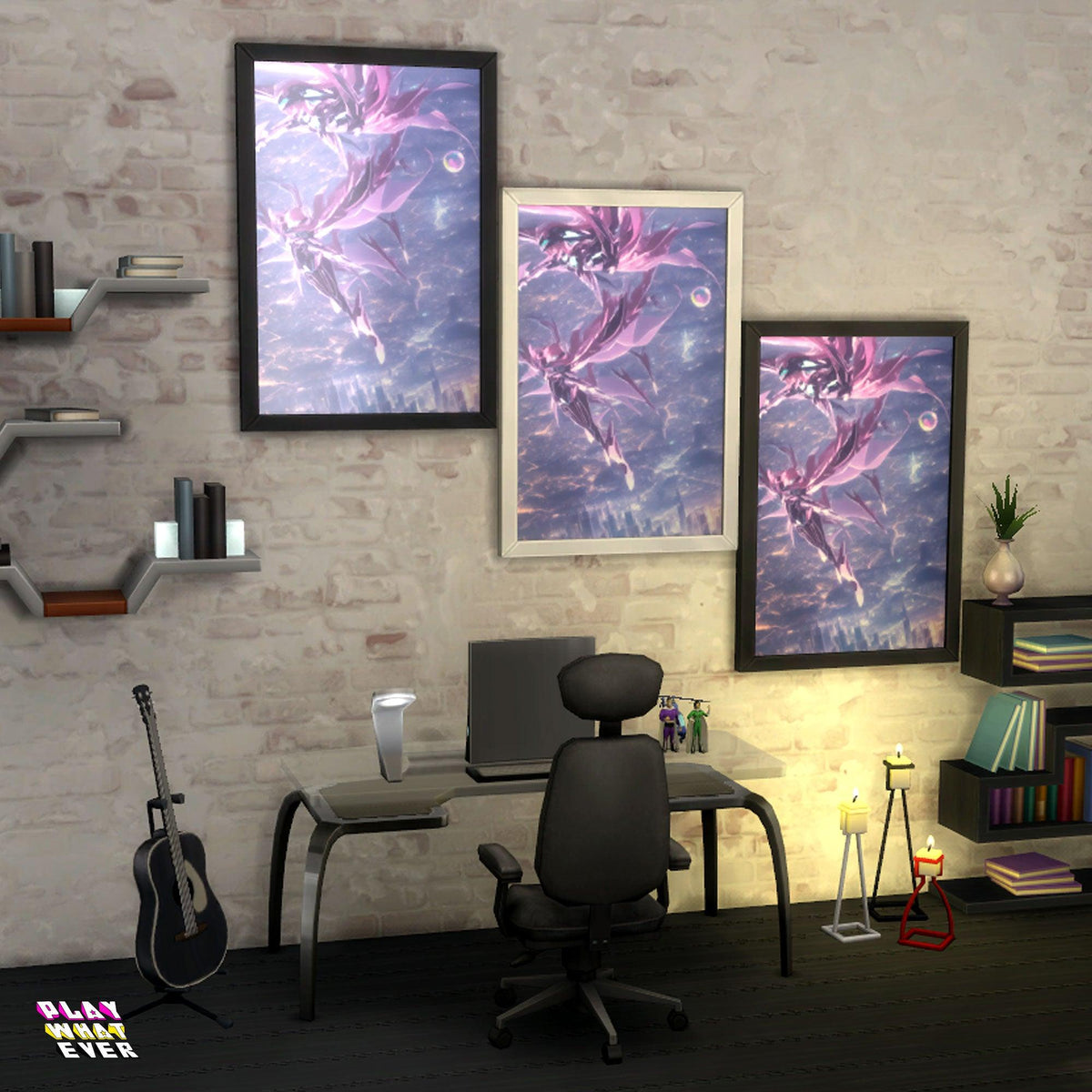
Step into a universe brimming with mystery and allure with the Sims 4 CC Purple Tinted Galaxy Anime Futuristic Poster. This striking piece of custom content artfully captures the poignant moment of twin sisters soaring...
Product details ↓Description
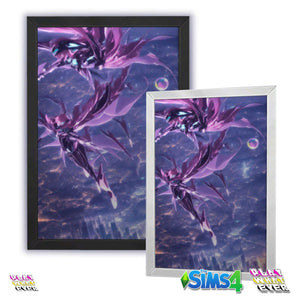
Step into a universe brimming with mystery and allure with the Sims 4 CC Purple Tinted Galaxy Anime Futuristic Poster. This striking piece of custom content artfully captures the poignant moment of twin sisters soaring above their city, entwined in a narrative of impending tragedy and heart-wrenching choices. Positioned under a dreamy purple galaxy, the artwork evokes a blend of anime aesthetics and futuristic charm that will transform your Sim's living space.
Key Features:
- Engaging storyline depiction of twin sisters in a moment of profound decision.
- Vivid purple galaxy tint that adds a touch of cosmic elegance.
- Inspired by anime style combined with futuristic elements.
- Compatible with the base game mesh for seamless integration.
- Framed design that enhances any room’s ambiance.
Let your Sims ponder their paths amidst the stars, as you adorn their homes with this evocative poster.
👉 Check This Out 👉 Hang this poster in your room, too! Check out the Purple Tinted Galaxy Anime Futuristic Poster at PlayWhatever.
Download Disclaimer
This Sims 4 custom content uses a base-game mesh; no additional mesh download is required. Check the product description for what is included.
Download: Add the item to your cart and complete checkout. An account is optional. A cart containing only free downloads needs no payment. Your download is available after checkout, and a download link is emailed to you.
Installation on PC or Mac:
1. Close The Sims 4. If the download is an archive, extract it first.
2. Place the .package file(s) in Documents > Electronic Arts > The Sims 4 > Mods, using the folder your game created.
3. Open Game Options > Other and enable Custom Content and Mods. Apply the change and restart the game.
4. If the item is missing after a game update, check that custom content is still enabled and confirm the files are in the correct Mods folder.
For personal use only. Please do not redesign or reupload this content. Share the product page link instead.
Your next Sims look starts here.
New to PlayWhatever downloads? Here’s how to get your files.
- Add this download to your cart
Check the product description and Download Disclaimer for compatibility and requirements.
- Complete the free checkout
An account is optional. A cart containing only free downloads needs no payment.
- Download and enjoy
Your download is available after checkout. Follow the product’s installation instructions before adding it to your game.
Need a hand? Contact PlayWhatever.
Watch our original download walkthrough. Open on YouTube ↗
Bring your style into both worlds.
Discover designs to enjoy online and offline.